 Passmint
GuideBoarding passes to Wallet
Boarding passes, ready at the gate.
Not every airline offers Add to Wallet, and a printout is easy to lose. Passmint reads the barcode on any boarding pass, fills in the flight for you and makes an Apple Wallet or Google Wallet pass.
Free on iPhone and Android. No account, no purchases.
How to do it
Get the boarding pass on your phone
Save the PDF from the airline's email, take a screenshot of the boarding pass in the app or on the website, or have the printout to hand.
Scan or import it
Tap +, choose Travel, then Scan the code to point the camera at a printout or another screen, or Import a file for the PDF or screenshot.
Let it fill itself in
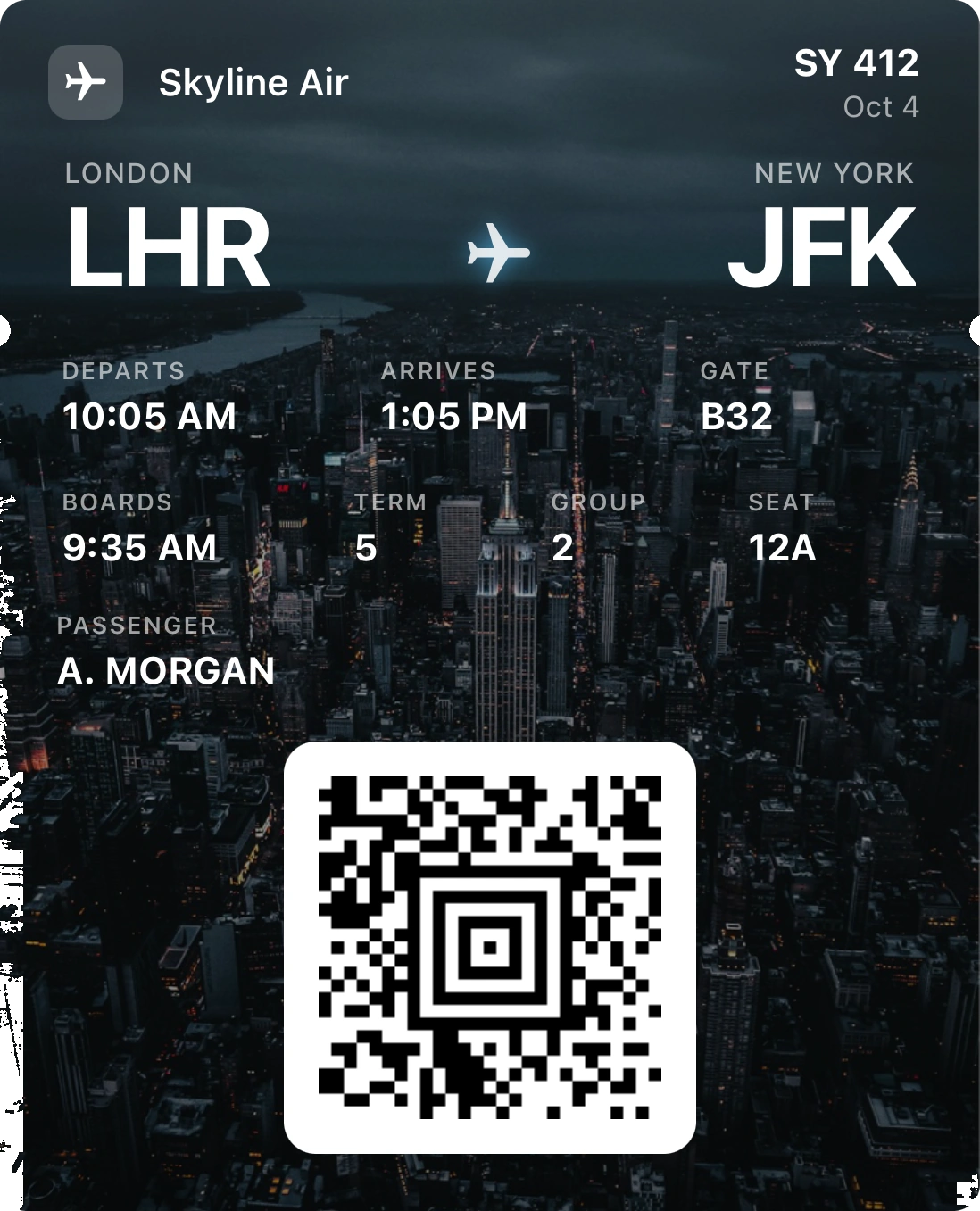
Boarding pass barcodes carry the flight, route, seat and passenger name, so Passmint fills those in on its own. Add the gate and boarding time if you have them.
Add it to your wallet
Tap Add to Apple Wallet or Add to Google Wallet. At security and the gate, the pass opens from your lock screen with no signal needed.
Good to know
Reads the airline barcode standard
Boarding passes use the IATA barcode standard, usually as a PDF417 or Aztec code. Passmint decodes it and keeps the code exactly as the airline issued it.
Return flights
A PDF with both legs, or one page per passenger, gives you a pass for each code, picked in one go.
Works in airplane mode
Your pass sits in the wallet and scans without a connection, which matters at a foreign airport with no roaming.
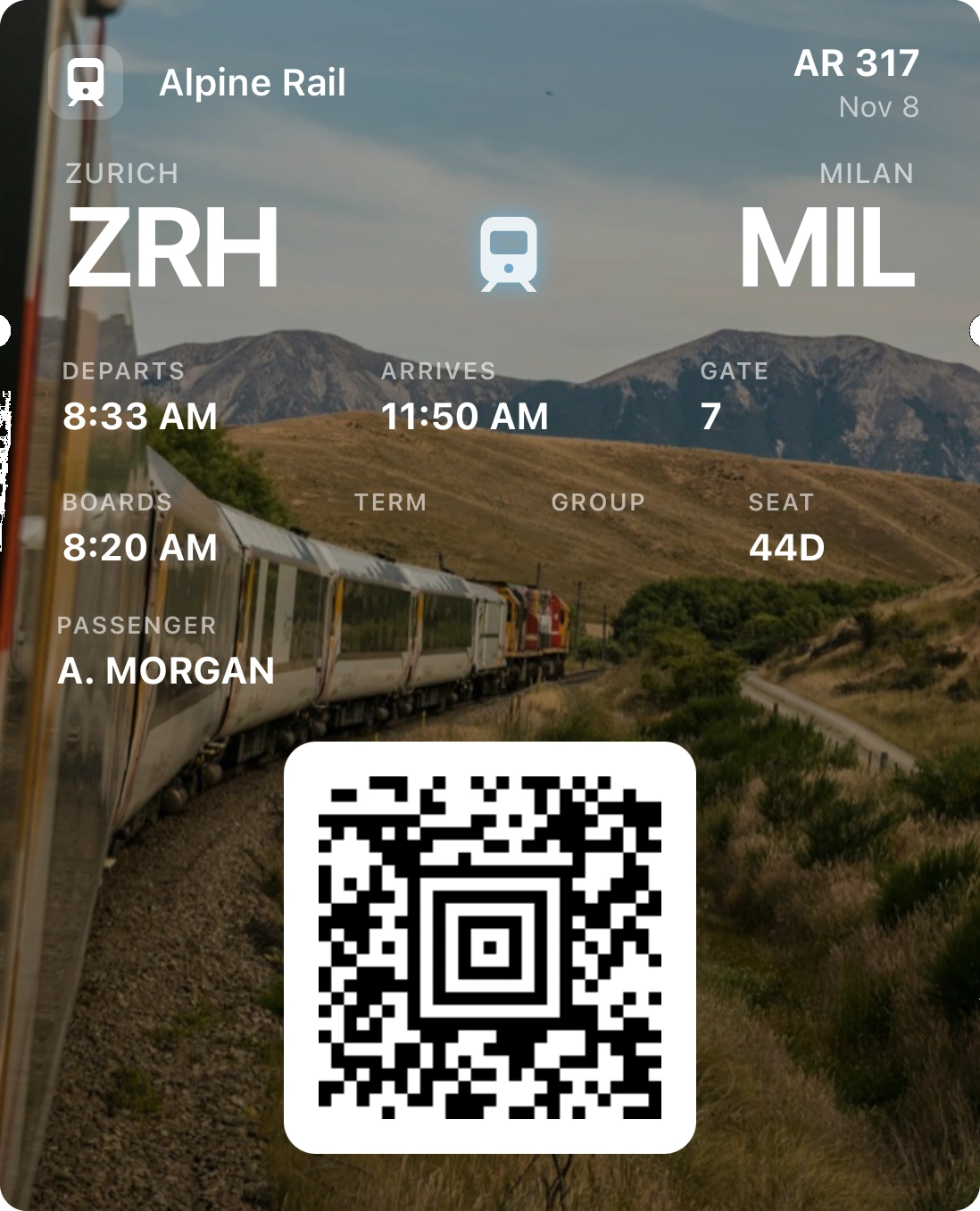
Train and coach legs too
The same travel layout covers train and coach tickets, so a whole trip lives in one place.
Questions
Will airport security accept it?
The pass shows the same barcode the airline issued, so the readers at security and the gate see the same data. If an airline insists on its own app or a paper pass for a route, follow what it asks.
My airline already has Add to Wallet. Do I need this?
No. Use the airline's own pass when it offers one: it can update itself with gate changes. Passmint is for when it does not.
Is my boarding pass stored on your servers?
No. It is read and kept on your phone. Adding it to the wallet sends the details for signing only, and nothing is stored.