 Passmint
GuidePDF tickets to Wallet
PDF tickets, straight into your wallet.
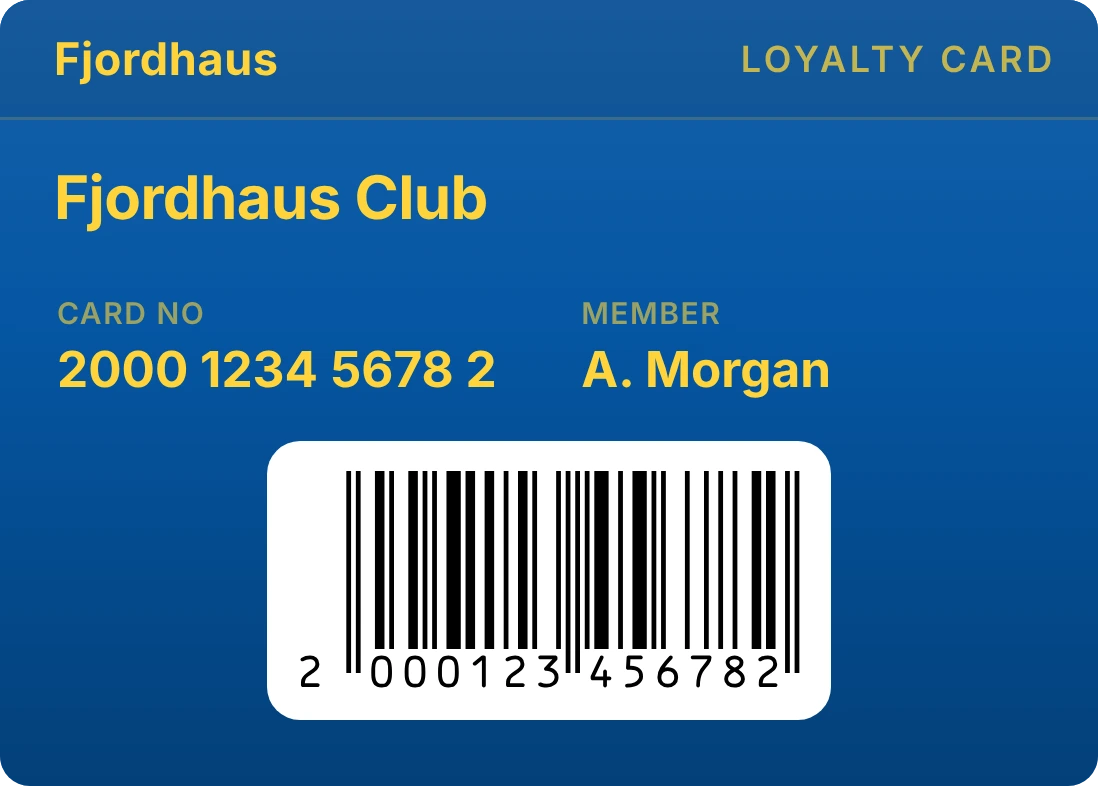
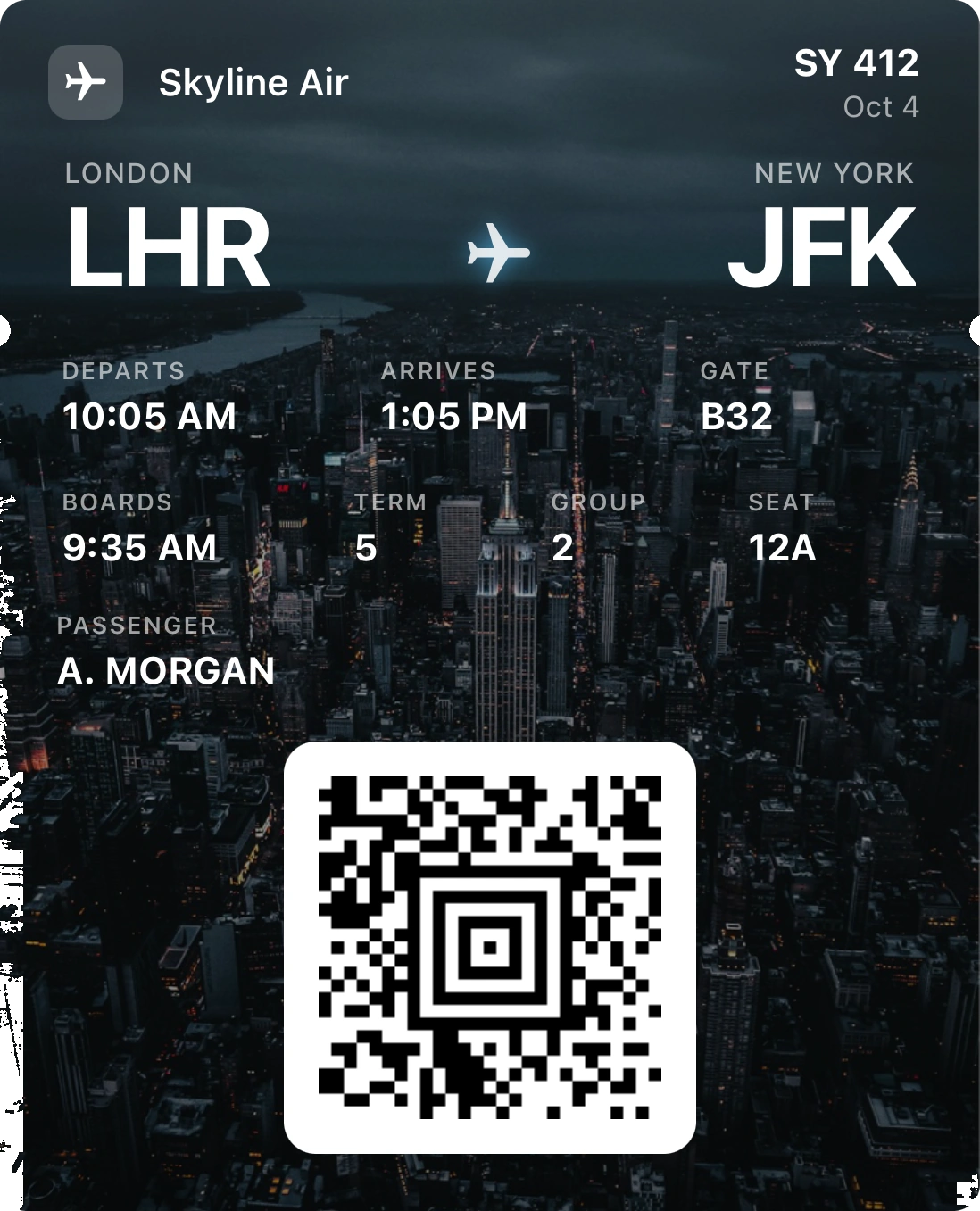
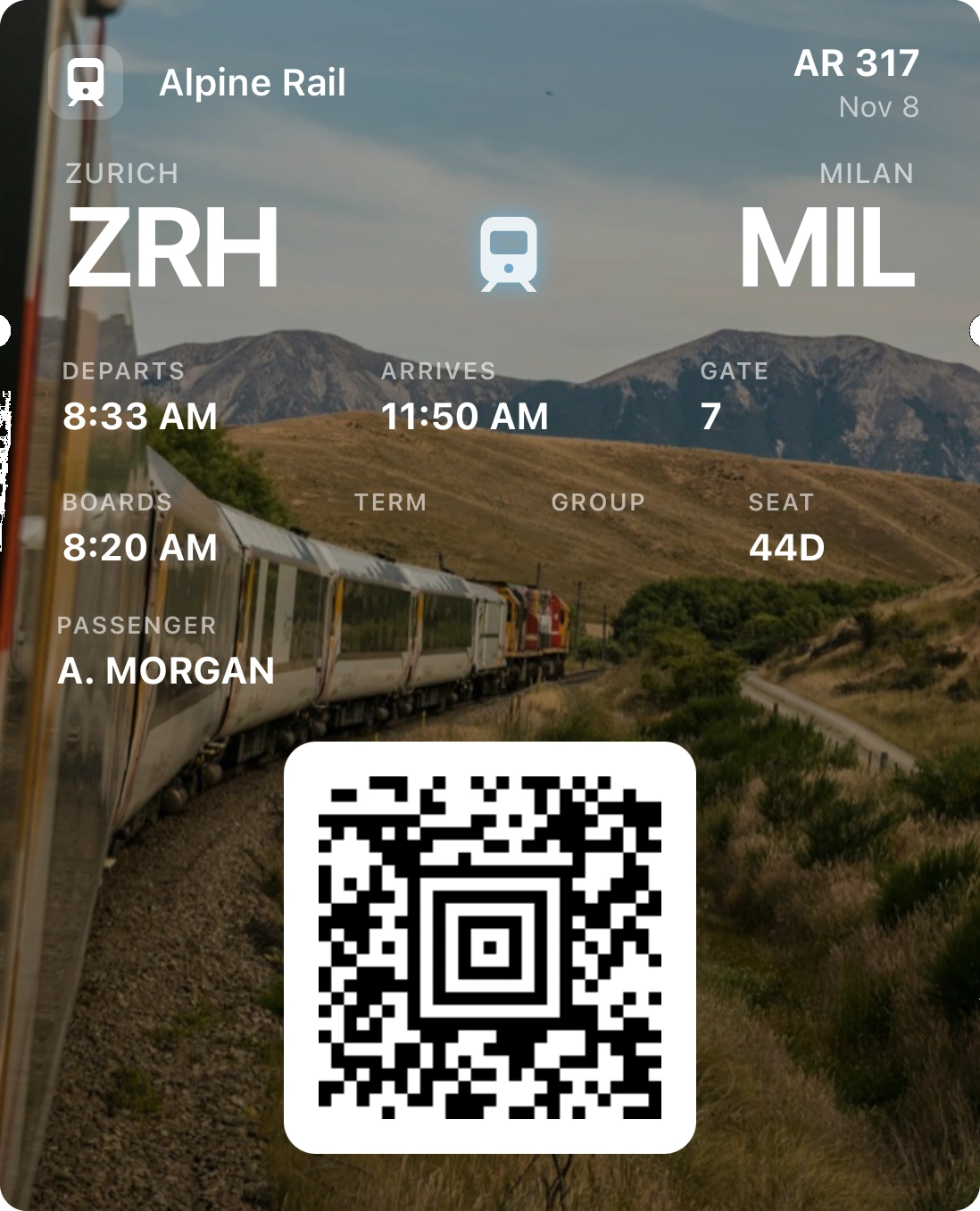
Your ticket came as a PDF in an email, or you only have a screenshot. Passmint reads the code on it and makes a real Apple Wallet or Google Wallet pass, with the same code the venue expects to scan.
Free on iPhone and Android. No account, no purchases.

How to do it
Save the ticket to your phone
Download the PDF from the email or the seller's site to Files, or take a screenshot of the ticket so it lands in Photos.
Import it in Passmint
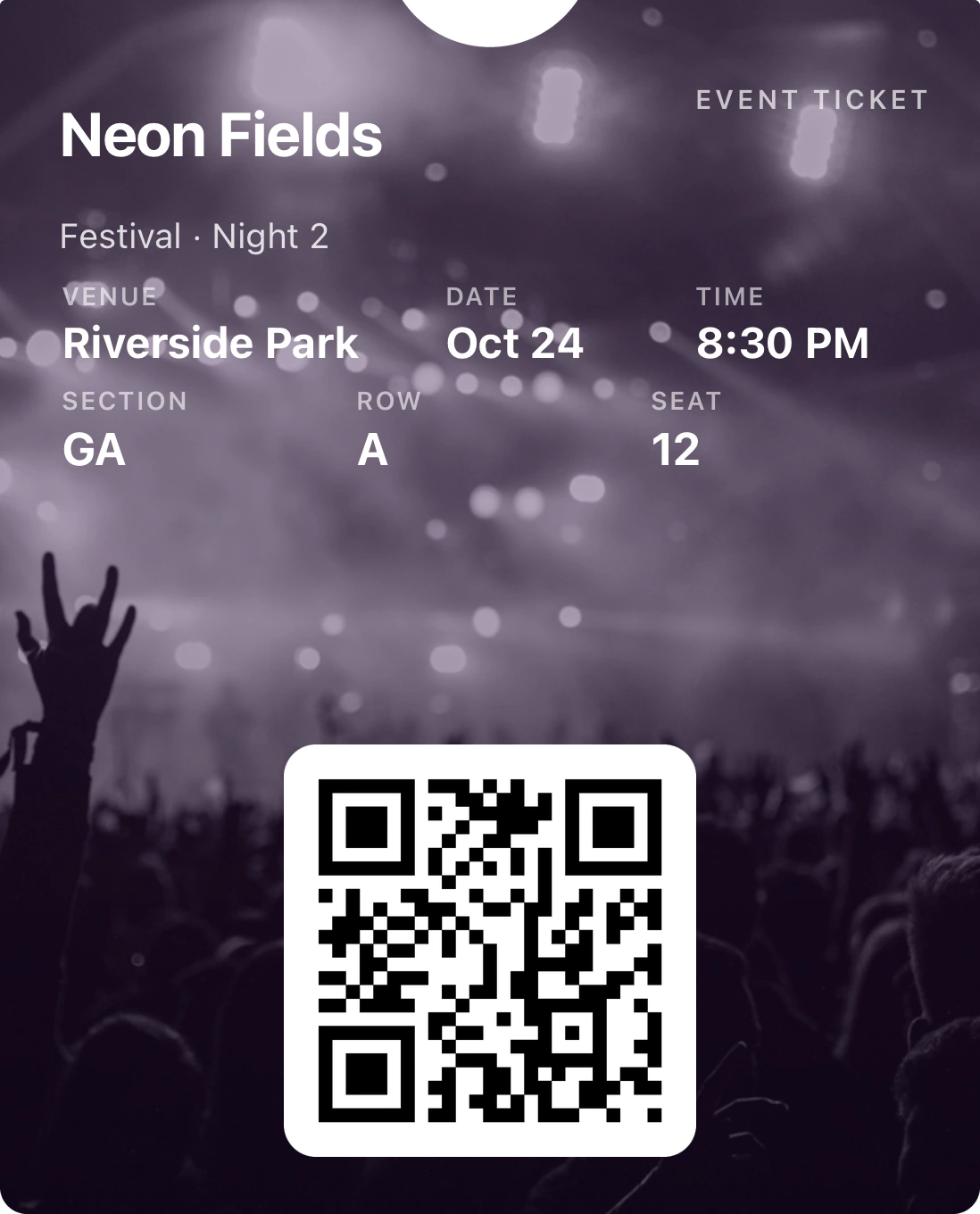
Tap +, choose Event ticket, then Import a file. Pick the PDF or the screenshot. Passmint goes through every page and finds each code on it.
Check the details
The event name, date and time are read from the ticket when they are printed on it. Anything missing is one short question away, and you can change any field later.
Add it to your wallet
Tap Add to Apple Wallet on iPhone or Add to Google Wallet on Android. The pass now opens from your lock screen, ready at the door.
Good to know
Several tickets in one PDF
When a PDF holds a ticket per page, or several codes on one page, Passmint shows every code it found and you tick the ones you want. Each becomes its own pass.
The same code, not a copy of a picture
The code is decoded and drawn again from its data, byte for byte, so it scans as cleanly as the original and stays sharp at any brightness.
No signal at the venue
Once a pass is in your wallet it opens and scans with no connection. Adding it to the wallet is the only step that needs the internet.
It tidies itself
Give the pass an expiry and the ticket moves to Past passes after the event, so your wallet stays clear.
Questions
Will the venue scanner accept a ticket made this way?
Usually, yes: the pass carries the same code that is printed on your ticket, so the scanner reads exactly what it would have read from the PDF. The exception is tickets whose code changes every few seconds inside the seller's own app. A screenshot of one of those will not scan anywhere, so keep using the seller's app for them.
Do I need an account?
No. Passmint has no accounts, no sign-up and no purchases.
Does my ticket get uploaded?
Reading the PDF and the code happens on your phone. Only adding to Apple Wallet or Google Wallet sends the pass details to our server for signing, and nothing is kept there afterwards.
Can I do this on a computer?
Yes. Pass Studio at studio.getpassmint.com works in any browser: drop the PDF in, and it saves a file the app opens in one tap.