 Passmint
GuideTrain tickets to Wallet
Train tickets, read byte for byte.
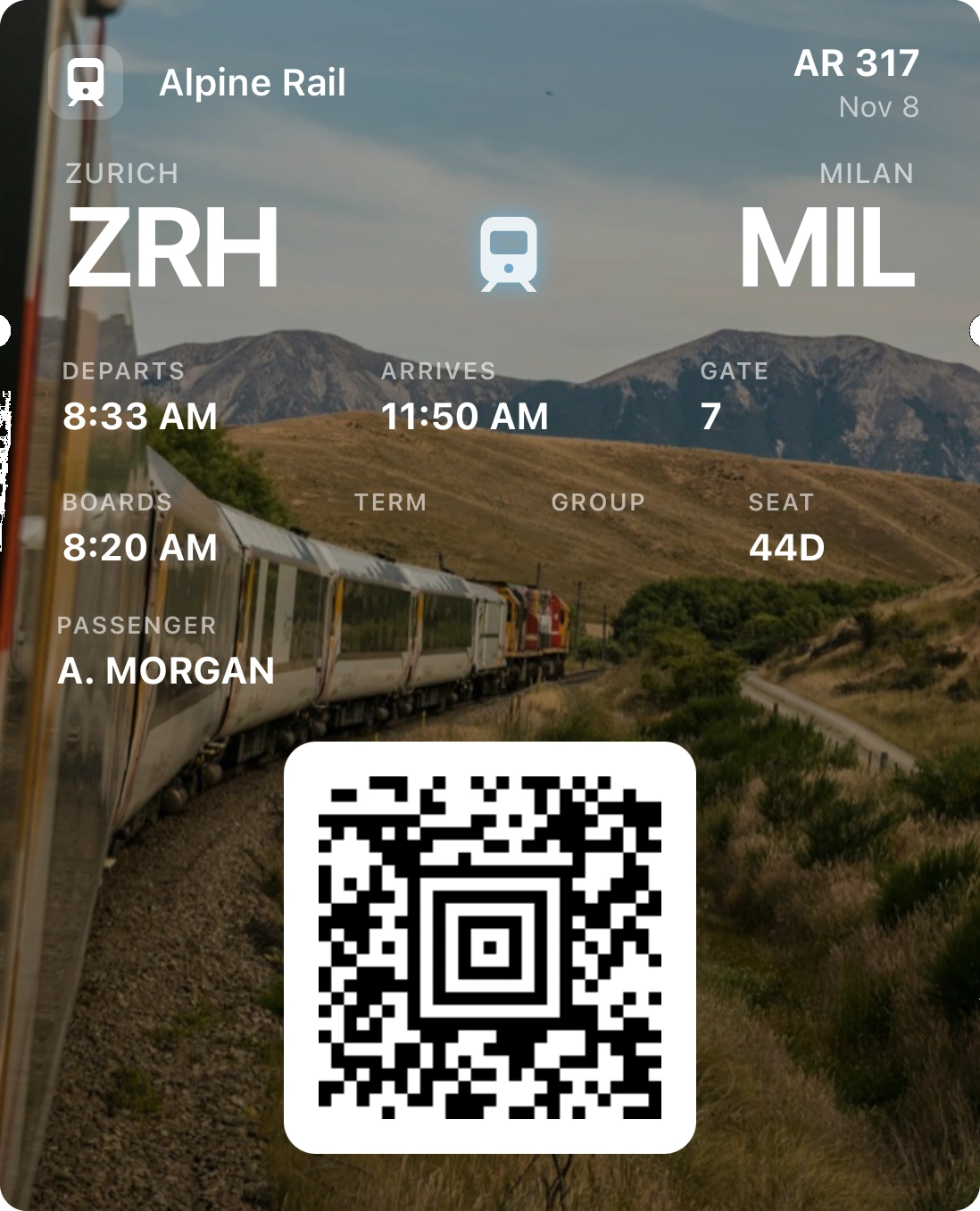
Rail tickets often carry an Aztec code full of binary data that a simple QR reader mangles. Passmint copies every byte, so the pass in your Apple Wallet or Google Wallet scans exactly like the ticket the rail company issued.
Free on iPhone and Android. No account, no purchases.
How to do it
Keep the ticket on your phone
Save the PDF from the booking email, or take a screenshot of the ticket on the rail company's site or app.
Import or scan it
Tap +, choose Travel, then Import a file for the PDF or screenshot, or Scan the code to read a printed ticket with the camera.
Check the journey
Stations, date and times are read from the ticket when they are printed on it. Pick Train as the mode, add the coach and seat, and change anything you like.
Add it to your wallet
Tap Add to Apple Wallet or Add to Google Wallet. On board, the inspector scans it straight from your lock screen.
Good to know
Binary data kept intact
Many European rail tickets store signed binary data in the code. Passmint keeps those bytes as they are instead of converting them to text, which is what breaks most copies.
Return and multi-leg trips
One PDF with several tickets becomes several passes, each with its own code, picked together.
No signal in the tunnel
Passes in the wallet open and scan offline, so a dead zone between stations does not matter.
Old tickets move out of the way
After the journey, the ticket slides into Past passes on its own.
Questions
Will the inspector accept it?
The pass carries the exact code from your ticket, so the inspector's scanner reads the same data. Check your rail company's rules: a few only accept tickets shown in their own app.
Which codes does it read?
Aztec, QR, PDF417, Data Matrix and the common 1D barcodes: 13 formats, from a photo, a screenshot, a PDF or the camera.
Does it cost anything?
No. Passmint is free, with no account and no purchases.